As contractors working in areas where winter weather is a regular challenge, we know how important it is to keep our business running smoothly. Cold, snow, and ice can make things tough, especially when it comes to reaching clients and getting work done. We’ve found that using Google Maps in smart ways can really help our contractor location marketing efforts during these colder months. It’s about making sure people can find us when they need us, even when the temperature drops.
Key Takeaways
- We can improve how people find our business on Google Maps during winter by making sure our Google Business Profile is up-to-date with winter hours and services. This helps with our contractor location marketing.
- Planning our routes with Google Maps can save us time and fuel in cold weather, making our jobs more efficient and helping us serve more customers.
- Using Google Maps features to show we’re available for winter work can attract more local customers looking for specific cold-weather services.
Optimizing Your Contractor Location Marketing with Google Maps
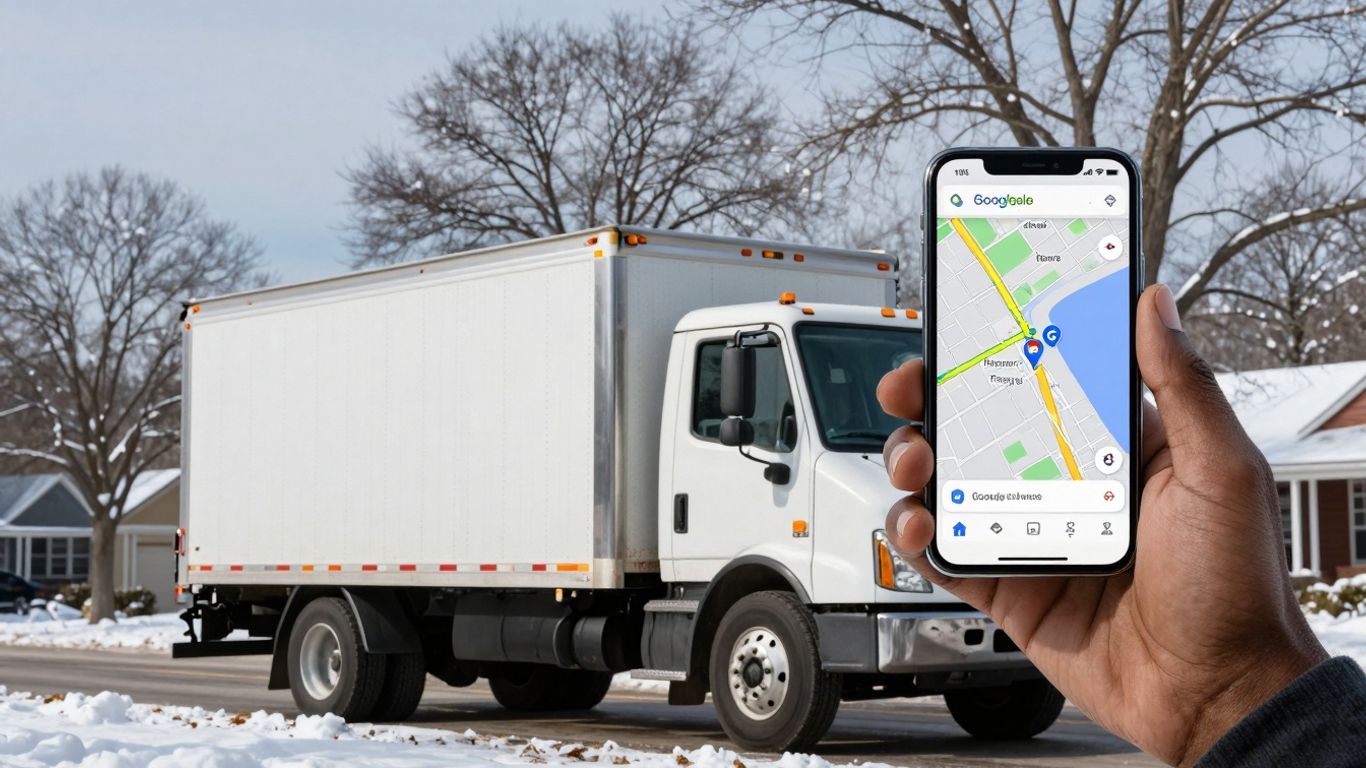
When winter weather hits, getting your contracting business noticed can feel like a real challenge. People are hunkering down, and their needs change. That’s where Google Maps comes in. It’s not just for finding directions; it’s a powerful tool for making sure potential customers can find you when they need your services most during the colder months.
Leveraging Google Business Profile for Winter Visibility
Your Google Business Profile (GBP) is like your digital storefront on Google Maps. Keeping it up-to-date and informative is key, especially when the temperature drops. Think about what a customer might be searching for in winter. Are you offering snow removal? Emergency heating repairs? Make sure these services are clearly listed.
- Update your business hours: Winter storms can disrupt schedules. If your hours change, update your GBP immediately. This avoids customer frustration.
- Add winter-specific services: Use the ‘Services’ section to list things like "Emergency Furnace Repair," "Snow Plowing," "Ice Dam Removal," or "Winter Roof Inspections."
- Post photos and updates: Share pictures of your team clearing snow, fixing a frozen pipe, or installing winter-ready insulation. Use the ‘Posts’ feature to announce special winter deals or availability.
- Encourage reviews: Positive reviews mentioning your winter services can significantly boost your profile’s standing. Ask satisfied customers to leave feedback, especially if they used your services during a cold snap.
Keeping your Google Business Profile current and detailed helps customers find you when they have urgent winter needs. It shows you’re prepared and available.
Utilizing Google Maps for Efficient Winter Route Planning
For contractors, time is money, and in winter, it’s also about safety. Google Maps can help you plan your routes more effectively, saving fuel and reducing the risk of getting stuck in bad weather.
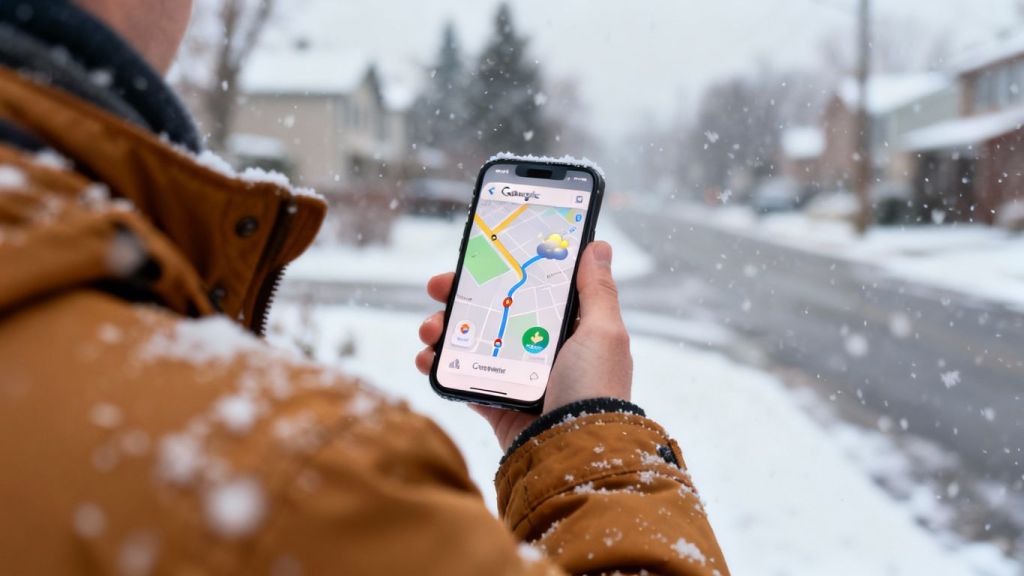
- Check traffic and weather conditions: Before heading out, use Google Maps to see real-time traffic. Many areas also integrate weather alerts, which can warn you about upcoming snow or ice.
- Explore alternative routes: If a main road is blocked due to snow or an accident, Google Maps often suggests faster detours. Always have a backup plan.
- Save frequently visited locations: For regular clients or job sites, save their addresses. This makes it quicker to input them when you’re on the go.
- Use the ‘Add stop’ feature: If you have multiple jobs in a day, you can plan the most efficient sequence of stops. This minimizes backtracking and wasted travel time.
Planning your routes with Google Maps in mind can make a big difference in your daily efficiency and customer satisfaction during the winter. It helps us stay on schedule, even when the weather is working against us.
Enhancing Customer Reach During Colder Months
As the temperatures drop and the days get shorter, reaching our customers becomes a bit more challenging. We need to make sure folks can find us easily, especially when they need our services most during winter. It’s all about being visible and accessible when the weather outside is frightful.
Improving Local Search Presence for Winter Services
We want to make sure that when someone in our area searches for "snow removal near me" or "emergency heating repair," our business pops up. This means keeping our online information current and relevant to the season. We should update our Google Business Profile with winter-specific services and hours. Think about adding photos of our team working in snowy conditions or highlighting any special winter deals we might be running. Making these small, timely updates can really make a difference in getting found by local customers.
Here’s a quick checklist to get your winter services noticed:
- Update your Google Business Profile description to mention winter services like snow plowing, de-icing, or emergency furnace repair.
- Add photos of your team performing winter-related work.
- Post updates about your availability during winter storms or holiday hours.
- Make sure your service area is accurately reflected, especially if winter weather impacts travel.
We’ve found that customers often search for immediate solutions when winter hits hard. Being the first result for a "frozen pipe repair" can mean the difference between a busy day and a slow one. It’s about being there when they need us most.
Using Google Maps Features to Highlight Cold-Weather Availability
Google Maps isn’t just for directions; it’s a powerful tool for showing customers we’re open and ready for business, even when it’s cold. We can use features like the "Products" or "Services" section on our Google Business Profile to list specific winter offerings. If we have special winter operating hours, like being available 24/7 for emergencies, we need to make that clear. We can also use the "Posts" feature to share timely information, like "We’re open through the blizzard!" or "Book your winter maintenance now."
Consider these points for your Google Maps presence:
- Service Area Accuracy: Double-check that your service area on Maps is correct. Winter weather might make some areas harder to reach, and it’s good to manage expectations.
- Highlight Emergency Services: If you offer emergency services, make sure this is prominently displayed. Use keywords like "24/7," "emergency," and "urgent."
- Customer Reviews: Encourage customers to leave reviews, especially mentioning how you helped them during cold weather. Positive reviews build trust.
- Photos and Videos: Upload visuals that show your team working safely and effectively in winter conditions. This adds a human touch and shows preparedness.
Wrapping Up
So, we’ve gone over a few ways Google Maps can help us out when the snow starts flying and the temperatures drop. It’s not just about getting from point A to point B anymore; it’s about doing it safely and efficiently when the weather makes things tough. We hope these tips help you get your jobs done without too much hassle this winter. Remember to check those routes before you head out, and maybe even share your own tricks with your team. Stay warm and stay on schedule.
Frequently Asked Questions
How can we make sure people find our business on Google Maps when it’s cold outside?
We can boost our visibility by making sure our Google Business Profile is up-to-date. This means adding winter hours, mentioning any special cold-weather services we offer, and posting photos of our work in snowy or icy conditions. It’s like putting out a welcome sign when the weather is rough, helping customers easily spot us for their needs.
What’s the best way to plan our trips to customer homes using Google Maps during winter?
Google Maps is a great tool for planning our routes efficiently. We can use its traffic updates to avoid slow roads caused by snow or ice. By looking ahead at our appointments, we can map out the smartest path, saving us time and fuel, which is super important when the weather makes driving tougher.
How do we let customers know we’re still working and available even in freezing temperatures?
We can use Google Maps and our Google Business Profile to tell everyone we’re open for business. Posting updates about our availability, especially for services like snow removal or heating repairs, lets customers know they can count on us. Highlighting that we’re ready to help during cold snaps makes us the go-to choice.