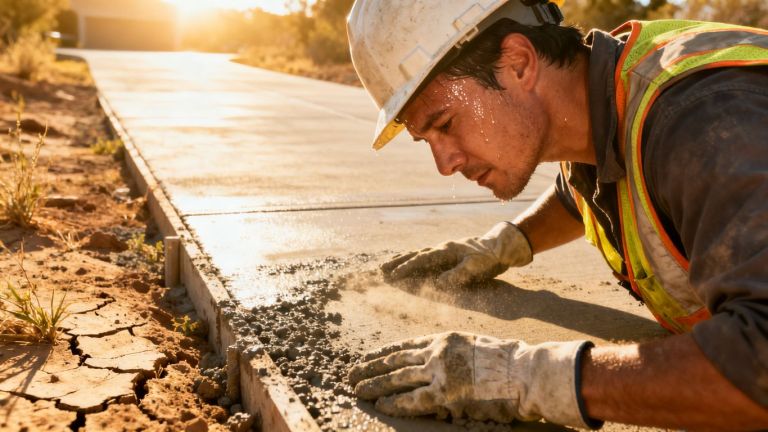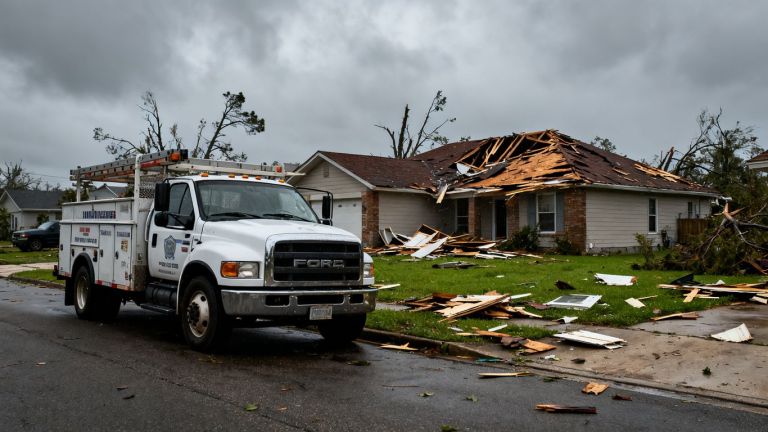
Spring storms can hit fast, and when they do, people need help right away. We know that getting your website ready for these busy times is important for business. We want to make sure folks can find you when they need emergency services. This means thinking about how people use your site when they’re stressed and looking for quick solutions. We’ll cover some ways to make your site work better for you and your customers during storm season.
Key Takeaways
- Make your website easy to use when people need help fast during storms. This includes simple ways to contact you.
- Focus on getting more calls from people needing emergency repairs. Using features like click-to-call and local ads helps.
- Be sure your website works well on phones and has clear buttons for emergency help. This way, people can reach you easily no matter where they are.
Optimizing Your Website For Spring Storm Season
Spring storms can hit fast, and when they do, people need help now. Our website needs to be ready for that rush. We want to make it as easy as possible for folks to find us and get the emergency service they require when the weather turns bad. This means looking at how users interact with our site during these high-demand times and making sure everything flows smoothly.
Enhancing User Experience During High-Demand Periods
When a storm rolls in, visitors aren’t browsing; they’re looking for solutions. We need to make sure our website doesn’t add to their stress. Think about what someone needs when their basement is flooding or a tree has fallen on their roof. They need clear, quick information and an easy way to contact us.
- Prioritize Emergency Information: Make contact numbers and service availability highly visible on the homepage. A banner or a prominent section can do wonders.
- Simplify Navigation: Users should be able to find emergency services within one or two clicks. Avoid complex menus or hidden links.
- Provide Real-Time Updates: If possible, offer updates on service availability or estimated response times. This manages expectations.
- Mobile First: Many people will be checking on their phones while dealing with the storm’s aftermath. Our site must work perfectly on smaller screens.
We must remember that during a crisis, a user’s patience is thin. A confusing or slow website can mean losing a customer to a competitor who makes it easier to get help.
Streamlining Contact Forms for Immediate Assistance
Contact forms are a common way for people to reach out, but they can be a bottleneck during emergencies. We need to rethink how we use them.
- Keep Forms Short: Ask only for the absolute essential information. Name, phone number, and a brief description of the problem are usually enough to start.
- Use Clear Labels: Make sure every field is clearly labeled so there’s no confusion about what information is needed.
- Offer Alternative Contact Methods: Don’t rely solely on forms. Prominently display a phone number that’s answered 24/7. A direct chat option can also be helpful if staffed.
- Confirmation Messages: After submission, provide an immediate confirmation that their request has been received and what the next steps are. This reassures the user.
We should test our forms to see how quickly they can be filled out and submitted. If it takes too long, people might give up and look elsewhere. Making the contact process as simple as possible is key to capturing leads when they need us most.
Boosting Contractor Emergency Lead Generation
Spring storms can bring a surge of urgent needs for our services. We need to make sure potential clients can reach us the moment they realize they have a problem. This means our website needs to work harder to capture those emergency leads.
Implementing Click-To-Call Functionality
When a homeowner is dealing with a leaky roof or a flooded basement, they’re often stressed and looking for the quickest way to get help. Typing out a phone number on a mobile device can be a hassle, especially if their hands are full or they’re in a rush. Implementing a click-to-call button directly on your website is a game-changer for emergency service calls. This feature allows users to tap a phone number on their smartphone or tablet and have it immediately dial your business. It removes a significant barrier to contact, turning a potential lost lead into a direct conversation.
We’ve found that placing these buttons prominently, especially on mobile versions of our site, makes a big difference. Think about putting it near your service area information or right next to your emergency contact details. It’s a simple addition that can significantly speed up the lead capture process during critical times.
Leveraging Geo-Targeted Content for Local Storm Victims
Storms are local. A tornado in one county doesn’t affect another. Our website needs to reflect this reality to attract the right customers. Geo-targeting means showing specific content to people based on their location. For example, if a severe thunderstorm warning is issued for a particular town, we can make sure our website prominently displays information relevant to that area.
This could involve:
- Displaying a banner at the top of the homepage mentioning "Serving [Town Name] During Storms."
- Creating specific landing pages for common storm-related issues in different regions.
- Adjusting service area maps to highlight the most affected zones.
When a storm hits, people search for help nearby. If your website speaks directly to their local situation and shows you’re ready to respond in their specific town or neighborhood, you’re much more likely to get their call. It builds trust and shows immediate relevance.
By tailoring our online presence to the specific geographic areas experiencing storm damage, we can connect more effectively with those who need our services most urgently. This targeted approach helps us stand out from competitors who might have a more general online presence.
Improving Online Visibility For Urgent Service Needs
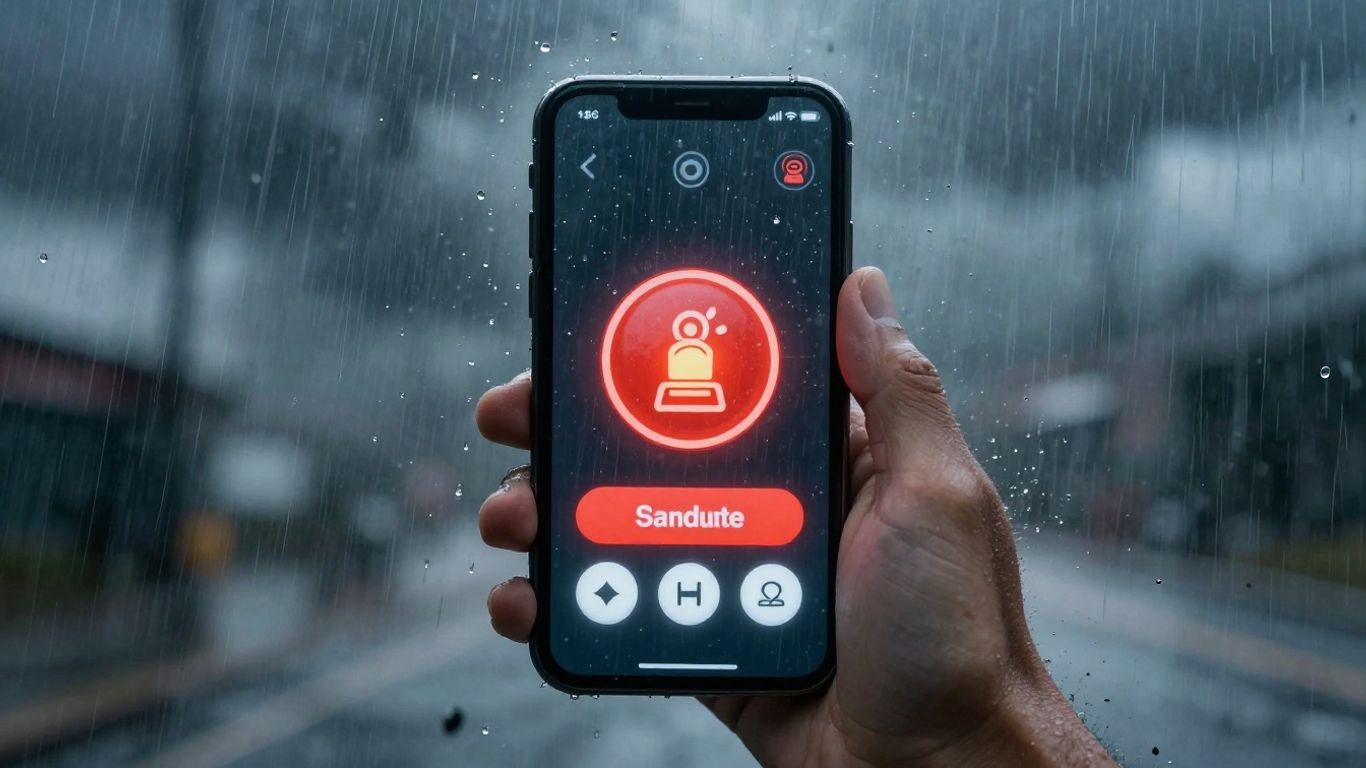
When spring storms hit, people need help fast. Our website needs to be easy to find and use when they’re in a bind. We want to make sure that when someone searches for emergency services, our business shows up right away. This means being visible when it matters most.
Ensuring Mobile Responsiveness for On-The-Go Customers
Lots of folks will be looking for help on their phones. They might be driving, or just not at their computer. If our website doesn’t work well on a small screen, they’ll just go to the next business they find. We need to check that our site looks good and is easy to click around on any phone or tablet. This isn’t just about making it look nice; it’s about making it simple for someone to get the help they need without frustration.
Here’s what we should check:
- Buttons are big enough to tap easily.
- Text is readable without zooming in.
- Forms are simple to fill out on a small screen.
- Contact information is clear and easy to find.
Utilizing Clear Calls-To-Action for Emergency Services
Once people find us, we need to tell them exactly what to do next. We can’t make them guess. For emergency services, especially during storm season, every second counts. We need clear, direct instructions on what to do.
Think about these:
- A big, bright button that says "Call Us Now for Emergency Service."
- A prominent phone number that’s clickable on mobile devices.
- A simple message like "Need immediate help? Click here or call us."
We should also consider having a dedicated landing page for storm-related emergencies. This page would have all the critical information front and center: what services we offer during storms, our emergency contact number, and maybe even a quick status update if we have widespread outages in an area. It cuts down on confusion and gets people the help they need faster.
We want to make it as easy as possible for someone in a stressful situation to connect with us. This means our website needs to be a helpful tool, not another problem for them to deal with.
Wrapping Up Our Storm Preparedness
So, we’ve talked about making our websites better for when the storms hit. It’s not just about having a site; it’s about making sure people can actually get help when they need it most. We looked at how small changes can make a big difference, especially when folks are stressed and looking for quick answers. Think about it: a clear button, simple instructions, or even just making sure the phone number is easy to find. These aren’t huge overhauls, but they matter. We hope this gives you some good ideas for your own emergency services website. Getting this right means we can help more people, faster, when spring storms roll in. Let’s get those sites ready.
Frequently Asked Questions
Why should we make our website better before spring storms hit?
When severe weather like heavy rain or strong winds strikes, many people suddenly need help from services like roof repair or water damage cleanup. If our website is easy to use and helps people find what they need quickly, more folks will choose us when they’re in a hurry. We want to make sure that during these busy times, people can easily get in touch with us to solve their problems fast.
How can we get more people to contact us for emergency help?
We can encourage more people to reach out by making it super simple to connect with us. For instance, adding a button that lets people call us directly from their phone by just tapping it is a great idea. Also, showing information that’s specific to the area where the storm hit helps people feel like we understand their local needs. This makes us seem more helpful and ready to assist them right away.
What’s the best way to make sure people can reach us on their phones during a storm?
Most people use their phones when they’re out and about, especially when they need help quickly. Our website needs to work perfectly on any phone screen, no matter how small. This means buttons and text should be easy to see and tap. We also need to use clear signs, like big buttons that say ‘Call Now’ or ‘Get Emergency Help,’ so people know exactly what to do to get the assistance they urgently require.