As thaw season approaches, many of us in the service industry start to see an uptick in calls. This means getting our teams where they need to be, quickly and efficiently. We’ve found that using tools like Google Maps can really help with this. It’s not just for finding directions; it can be a powerful way to manage our contractor location services and make sure our customers get the help they need, right when they need it. Let’s look at how we can make the most of it.
Key Takeaways
- We can use our Google Business Profile to show exactly where we can work during thaw season, making it clear for customers looking for help.
- Posting updates on Google Business can tell people when we’re available for thaw-related jobs, helping us get more calls.
- Making sure our field workers’ locations are marked correctly on maps and linked to our scheduling system helps us send the right person to the right job faster.
Leveraging Google Maps For Enhanced Contractor Location Services
As thaw season kicks into high gear, the demand for our services spikes. We need to make sure customers can find us easily, especially when they’re dealing with urgent issues like burst pipes or flooded basements. Google Maps is a primary tool for many people when they need a contractor now. Getting our presence right on Google Maps is more important than ever during these busy periods.
Optimizing Business Profile For Accurate Service Area Display
Our Google Business Profile is the first impression many potential clients have. We need to make sure it accurately reflects where we can actually go. This means setting our service areas correctly. If we serve a 30-mile radius, we should set that. If we have specific towns we focus on, we can list those too. This helps Google show us to the right people.
Here’s what we should check:
- Primary Service Area: Is the main radius set correctly? Does it cover all the neighborhoods we can realistically reach?
- Specific Locations: Have we added any specific towns or zip codes that are key for us?
- Business Hours: Are our hours up-to-date, especially if we’re offering extended thaw-season hours?
- Contact Information: Is our phone number and website correct? A wrong number means a lost call.
We’ve found that keeping our service area precise prevents us from getting requests we can’t fulfill efficiently. This saves everyone time and frustration, especially when response times are critical.
Utilizing Google Business Posts To Highlight Thaw Season Availability
Google Business Posts are like mini-ads right on our Google Maps listing. We can use these to tell people what’s happening with us, especially during thaw season.
We should consider posts about:
- Urgent Service Availability: "Burst pipe emergency? We’re responding within 2 hours in the downtown area!"
- Special Offers: "Thaw Season Special: 10% off all basement waterproofing inspections this week."
- Tips and Advice: "Preventing frozen pipes: 3 simple steps you can take today."
- Team Updates: "Our team is working extended hours to handle the thaw season rush!"
These posts don’t just sit there; they can be updated regularly. This keeps our listing fresh and shows customers we’re active and ready to help. It’s a simple way to communicate our capacity and readiness during this demanding time of year.
Streamlining Dispatch With Precise Contractor Location Services
When thaw season hits, our dispatch process needs to be sharp. We’re talking about getting the right technician to the right job, fast. Google Maps plays a big part in making this happen smoothly.
Optimizing Business Profile For Accurate Service Area Display
First off, we need to make sure our Google Business Profile shows exactly where we can go. This isn’t just about listing cities; it’s about drawing clear lines on the map. During thaw season, some areas might become harder to reach, or we might want to focus our efforts on specific neighborhoods that are seeing a lot of calls. We update our service area directly in the Google Business Profile settings. This helps customers see if we’re a good fit for their location right from the search results or map view. It cuts down on calls we can’t take and makes sure we’re not promising service where we can’t deliver.
Utilizing Google Business Posts To Highlight Thaw Season Availability
We also use Google Business Posts. These are like little announcements that show up in our profile. We can post updates about our availability, special thaw season offers, or even just a quick note saying we’re ready for business. For example, we might post: "Thaw season is here! We’re fully booked for emergency calls in the downtown area until Tuesday, but have openings in the west end. Book online!" This kind of information is super helpful for customers trying to figure out who to call. It directly addresses their immediate need for service during a busy time.
Ensuring Accurate Geotagging For Field Technicians
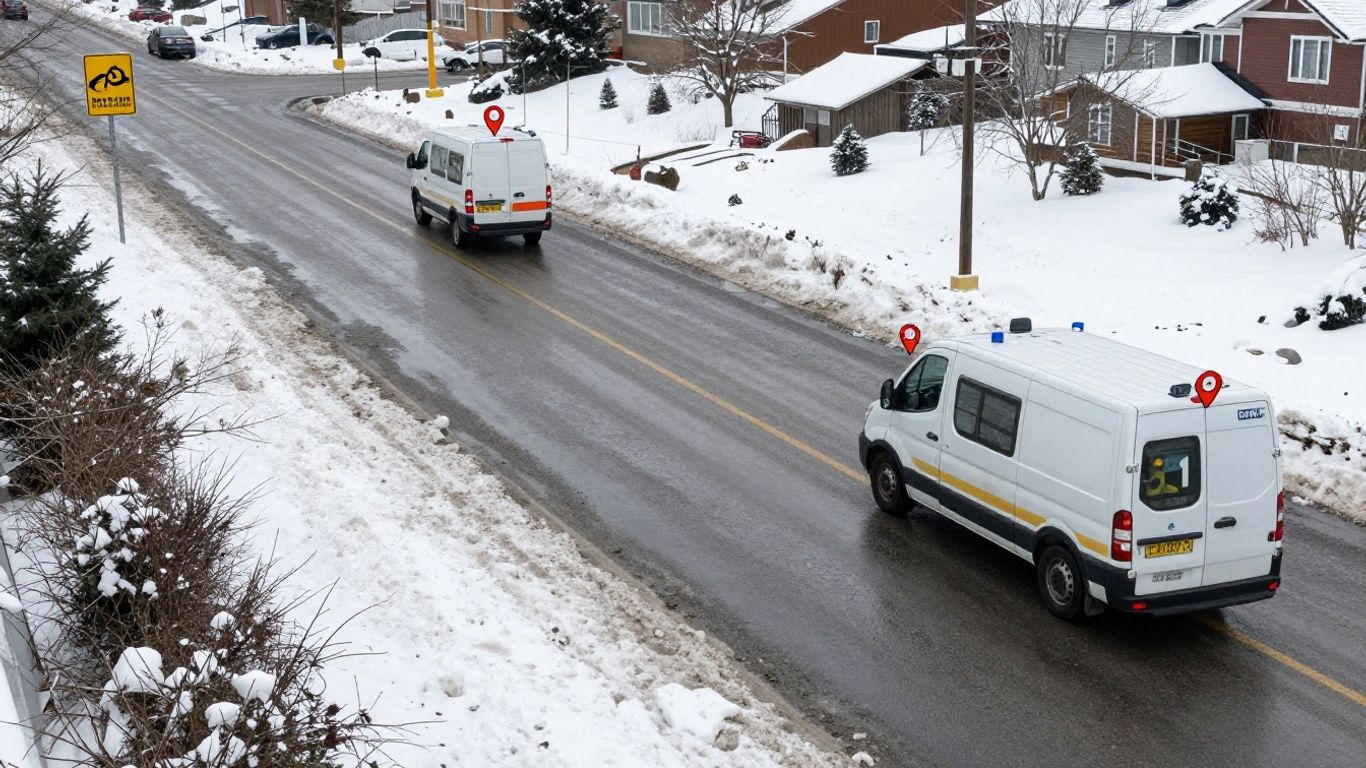
For our team out in the field, accurate location data is everything. We make sure each technician’s mobile device is set up to share their location with our dispatch system. This isn’t about tracking them constantly, but about knowing where they are when a new job comes in. We use GPS data to see who is closest to a new service call. This helps us cut down on travel time and get to customers faster. It’s important that the geotagging is precise, so we don’t send someone miles away when another tech is just around the corner.
Integrating Google Maps Data With Scheduling Software
We’ve connected our scheduling software with Google Maps. This means when a new job is entered, the system can automatically suggest the best technician based on their current location and estimated travel time. It also helps us visualize our day. We can see a map of all our scheduled appointments and identify any potential routing issues or gaps in coverage. This integration makes dispatching much more efficient, especially when things get hectic during thaw season.
When dispatch is running smoothly, everyone benefits. Our technicians spend less time driving and more time fixing problems. Our customers get faster service when they need it most. And our office staff can manage the workload without feeling overwhelmed. It’s all about using the tools we have, like Google Maps, to make our operations better.
Wrapping Up Our Thaw Season Strategy
So, we’ve talked about how to get our Google Maps profiles ready for the busy thaw season. It’s not just about having a listing; it’s about making sure customers can find us easily when they need us most. We should check our hours, make sure our service areas are correct, and add photos that show what we do. This kind of attention to detail helps people choose us over the competition. By taking these steps now, we can expect fewer missed calls and a smoother workflow as the snow melts and the work piles up. Let’s get our profiles in shape and be ready for whatever thaw season throws our way.
Frequently Asked Questions
How can we make sure our service area shows up correctly on Google Maps during thaw season?
To ensure our service area is displayed accurately on Google Maps, especially when the thaw season brings more calls, we must carefully update our business profile. This involves checking and adjusting the radius or specific zip codes we cover. We also want to make sure our business hours are current, as thaw season might mean we’re busier than usual and need to adjust our availability. Keeping this information sharp helps customers find us when they need us most.
What’s the best way to tell customers we’re ready for thaw season service calls using Google Business Posts?
We can use Google Business Posts as a quick and easy way to let everyone know we’re prepared for the busy thaw season. We should create posts that highlight our services, mention any special offers we might have for thaw-related issues, and clearly state that we’re available. Using eye-catching photos or graphics in these posts can also grab attention. It’s like putting up a sign in a digital window, showing we’re open and ready to help.
How do we make sure our technicians are located precisely on Google Maps when they’re out on calls?
For our field technicians, making sure their location is spot-on in Google Maps is super important for efficient service. We need to ensure their devices are set up correctly to share location data accurately. This means checking that GPS is on and that our apps are allowed to use it. When their location is precise, our dispatch team can see exactly where everyone is, which helps us send the closest technician to a job, saving time and making our customers happier.