In today’s world, many people look for contractors using their phones. If your website isn’t easy to use on a small screen, you might be losing business. We need to make sure our contractor mobile optimization is top-notch. This means thinking about how visitors move around the site and how the information is presented. Let’s look at some practical ways to get this right.
Key Takeaways
- Make your website’s menu simple so people can find what they need quickly on their phones. Adding a click-to-call button lets them contact you right away.
- Put the most important information, like your services and contact details, where people can see it easily. Use clear headings and short sentences for better reading on small screens.
- Focus on making the mobile experience smooth for potential clients. Good contractor mobile optimization shows you’re professional and ready for business.
Enhancing User Navigation For Contractor Mobile Optimization
When people look for a contractor on their phones, they want things to be quick and easy. We need to make sure our websites work well on smaller screens, especially when it comes to finding information and getting in touch. Good navigation is key to keeping visitors on our site and turning them into leads.
Streamlining Menu Structures
Think about how you use your phone to find something online. You don’t want to hunt around for ages. For contractor websites, this means simplifying the main menu. We should group related services together so users can find what they need without a lot of clicking. For instance, instead of having separate links for ‘Kitchen Remodeling,’ ‘Bathroom Remodeling,’ and ‘Basement Finishing,’ we could have a main ‘Remodeling Services’ link with those options underneath.
Here’s a way to think about organizing your menu:
- Home: Always the first stop.
- Services: A clear list of what you do. Break this down further if you have many distinct offerings.
- About Us: Your company story, team, and why you’re a good choice.
- Gallery/Portfolio: Show off your past work. This is super important for contractors.
- Contact Us: Make it simple to get in touch.
We also want to avoid having too many items in the main menu. A cluttered menu on a small screen is just frustrating. Consider using a ‘hamburger’ menu icon (the three horizontal lines) for mobile, but make sure the items inside are well-organized and easy to read.
Implementing Click-to-Call Functionality
This is a big one for mobile users. When someone finds your website on their phone and needs a quote or has a quick question, they often want to call you right away. We need to make that as simple as possible. Adding a click-to-call button or phone number is a must-have.
When a user taps on a phone number that’s set up for click-to-call, their phone should automatically open the dialer with your number pre-filled. No typing required. This is a small change that makes a big difference in user experience.
We should place these click-to-call numbers prominently:
- In the header of the website.
- In the footer of the website.
- On the contact page.
- Potentially next to specific service offerings if it makes sense.
Making it easy for potential clients to reach out directly from their mobile device can significantly increase the number of inquiries we receive. It removes a barrier and meets the user’s immediate need.
Optimizing Content For Contractor Mobile Optimization
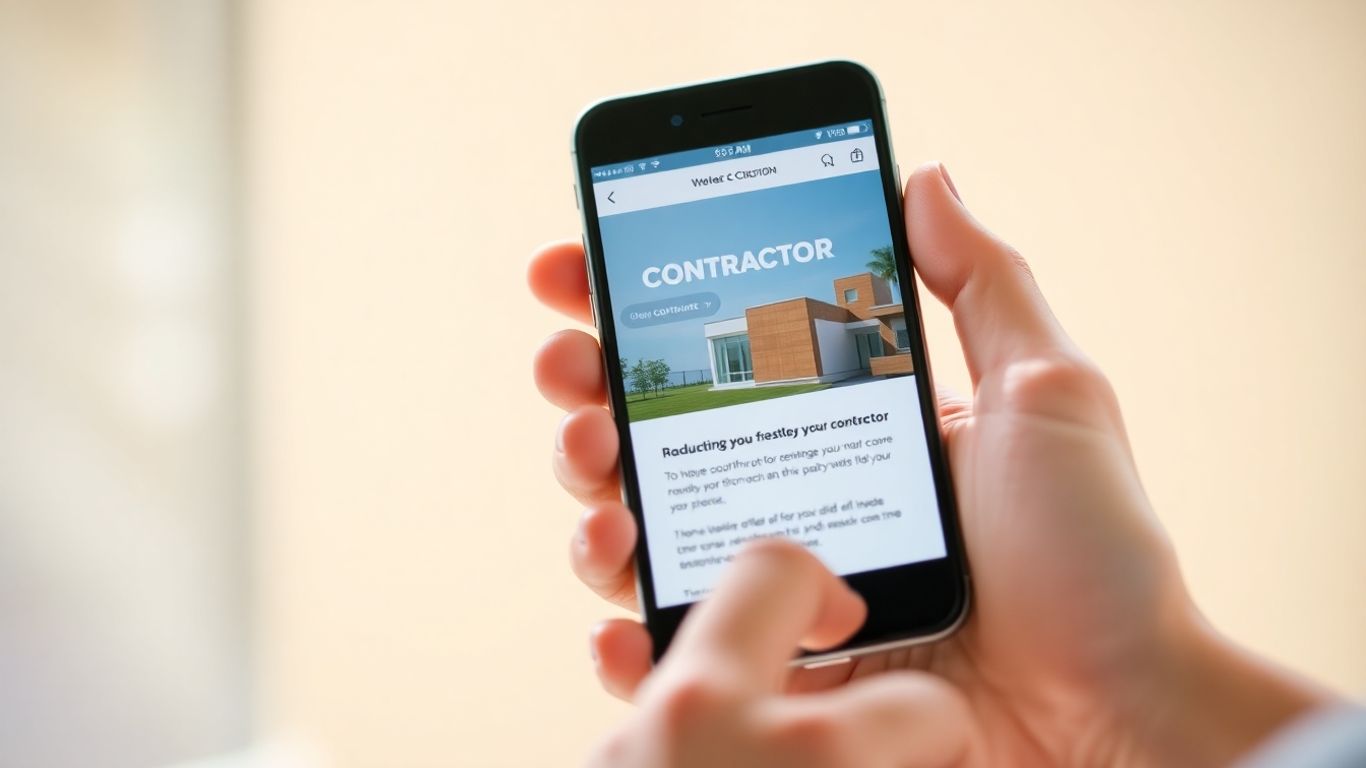
When we look at our contractor websites on a phone, the first thing we notice is how the text and images fit. It’s easy to just assume everything will look fine, but that’s not always the case. We need to be smart about what we put on the page and how we present it, especially for people using their phones.
Prioritizing Key Information
Think about what someone needs to know right now when they land on your site from their phone. They’re probably looking for a phone number, your service area, or maybe a quick way to get a quote. Putting the most important stuff front and center is key. We don’t want them digging through pages to find your business hours or how to contact you.
Here’s a good way to think about what to show first:
- Contact Details: Phone number, email, and a link to your contact form.
- Core Services: What you do, listed clearly and concisely.
- Service Area: Where you work.
- Call to Action: What you want them to do next (e.g., "Get a Free Estimate").
We should also consider what not to show immediately. Long articles or detailed project descriptions might be better suited for a desktop view or a separate, linked page. The mobile experience should be about quick access to what matters most.
Ensuring Readability On Small Screens
This is where a lot of sites stumble. Tiny text that you have to pinch and zoom to read is a big turn-off. We need to make sure our content is easy to scan and understand, even on a 5-inch screen.
- Font Size: Use a font size that’s comfortable to read without zooming. Generally, 16px is a good starting point for body text.
- Line Spacing: Give your text some breathing room. Too little space between lines makes it hard to follow.
- Paragraph Length: Keep paragraphs short. Long blocks of text are intimidating on mobile.
- Headings and Subheadings: Break up your content with clear headings. This helps users scan and find what they’re looking for quickly.
We’ve found that using simple, direct language works best. Avoid overly technical terms or long, winding sentences. People are often on the go when they visit our sites, so getting the message across fast is important.
We should also think about images. While they look nice, large images can slow down loading times, which is a big problem on mobile. We need to make sure they’re optimized and not taking up too much space or bandwidth. It’s a balance between looking good and being functional.
Wrapping Up
So, we’ve gone over a few ways to make sure your contractor website works well on phones and tablets. It’s not just about looking good; it’s about making it easy for people to find you and get in touch when they’re on the go. Think about how many times you’ve looked up a service on your phone. Your potential clients are doing the same thing. Making these changes might seem like a lot, but even small steps can make a big difference in how many people contact you. We hope this helps you get more business.
Frequently Asked Questions
Why is making our contractor website work well on phones so important?
It’s super important because most people now look for services on their phones first. If our website is hard to use on a small screen, potential customers will likely go somewhere else. We want to make it easy for them to find us and contact us right away, no matter what device they’re using.
How can we make it simpler for people to find what they need on our mobile site?
We can achieve this by organizing our website’s menu so it’s short and sweet. Think about putting the most important links, like ‘Services’ or ‘Contact Us,’ right where they’re easy to see. Also, adding a button that lets people call us with just one tap is a game-changer. It cuts out any extra steps and gets them talking to us faster.
What’s the best way to show our information so it’s easy to read on a phone?
We need to make sure the most crucial details, like our phone number, what we do, and why we’re great, are right at the top. We should also use clear headings and short sentences, maybe even bullet points. This way, people can quickly scan the page and get the information they need without squinting or getting lost in a wall of text.